Polox
Start for free
CREATEOfficial Pollo AI →Free AI video generator →Free AI image generator →Polox AI workspace →
OpenAI · MODEL PROMPTS

Pollo AI GPT Image 2 prompt library

Natural-language briefs for layouts, product scenes, reference edits and structured image systems. Each example is an original starting point with an editorial reference image, full prompt, negative guidance and practical checks.

Images are credited editorial references from the source linked on each detail page, not claimed Pollo AI or GPT Image 2 outputs. The complete prompts are original Pollo AI examples. Use your own authorized references for production work.
PAGE 3 OF 5

GPT Image 2 image prompt examples

Open any image to see the complete prompt, negative prompt, aspect ratio, workflow and review checklist.

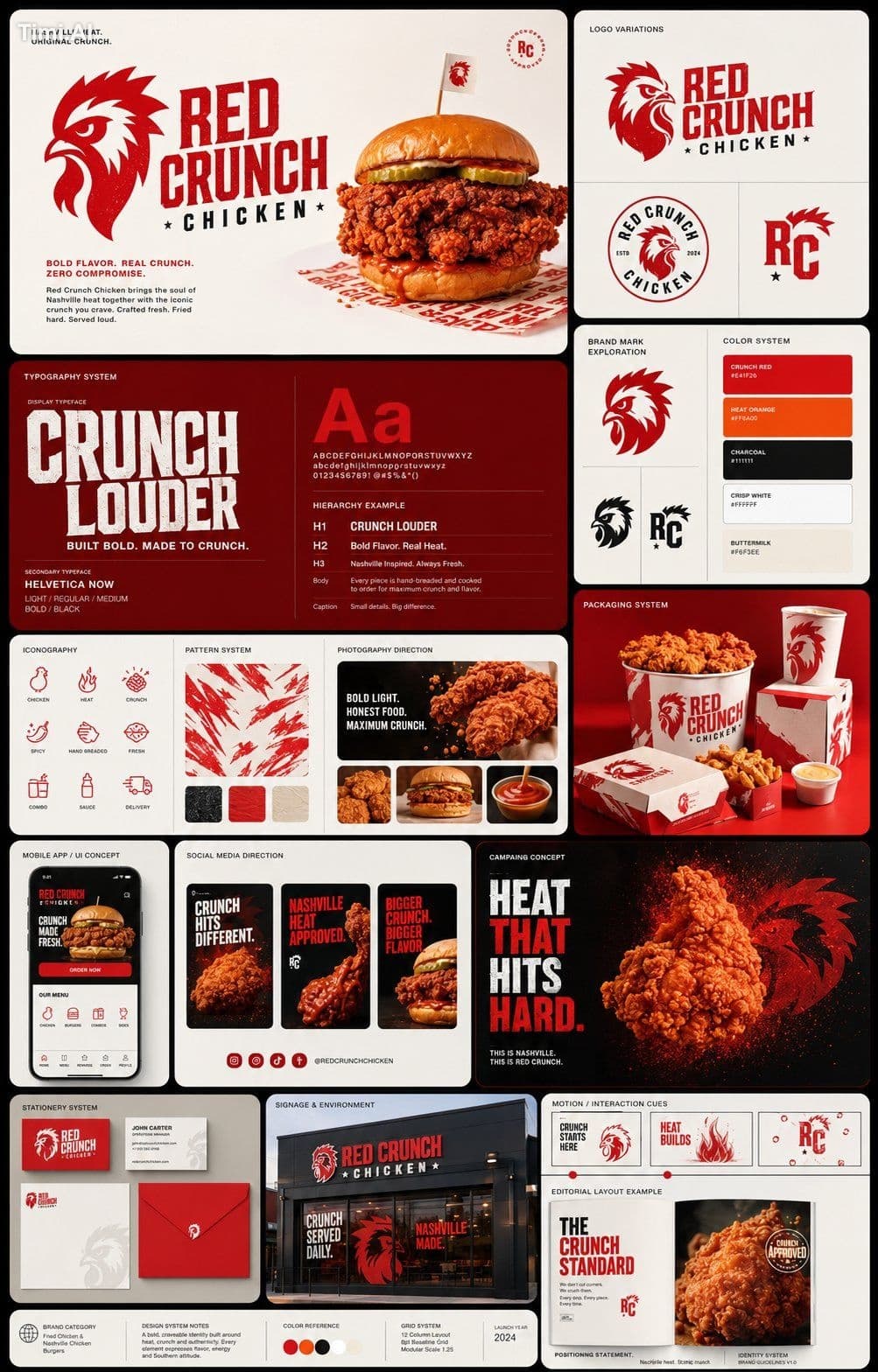
Pollo AI GPT Image 2 prompt reference image: Modular brand identity board
GPT Image 2 · 3:4 · REF: Timi AI

Modular brand identity board

Create a 3:4 identity presentation for a fictional low-waste homeware studio called Field & Form. Organize a geometric wordmark study, clay-and-moss palette, recycled-paper packaging, social crop, storefront sign and restrained pattern in a disciplined grid. Keep every item related through corner radius and material language. Treat wording as editable placeholders except the fictional name. Quiet off-white background, soft overhead light, realistic print texture and generous margins.

View prompt details →

Pollo AI GPT Image 2 prompt reference image: Watercolor editorial thinker
GPT Image 2 · 4:5 · REF: Timi AI

Watercolor editorial thinker

Paint an original editorial portrait of an adult urban ecologist beside a studio window. The subject wears rectangular glasses and a charcoal overshirt, looking away while holding a folded field map. Combine dark-ink contours with transparent watercolor blooms in indigo, sienna and sage. Let selected edges dissolve into white paper while eyes, glasses and map remain crisp. Visible cold-press texture, asymmetrical crop and no real public figure resemblance.

View prompt details →