A consistent visual world
Keep characters, products, and style coherent from first frame to final cut.
FREE CREATION STUDIO · NO SIGN-UP
Generate an image or video without leaving the homepage. Switch tools at any time; the selected generator loads in the full-height workspace below.
Loading the free image generator…
The full creative workspace will appear here.Images, videos, voices, and characters—plus practical guides that help you route the right model for the shot.
Create images and videos with realistic lighting, fine details, and clear text.
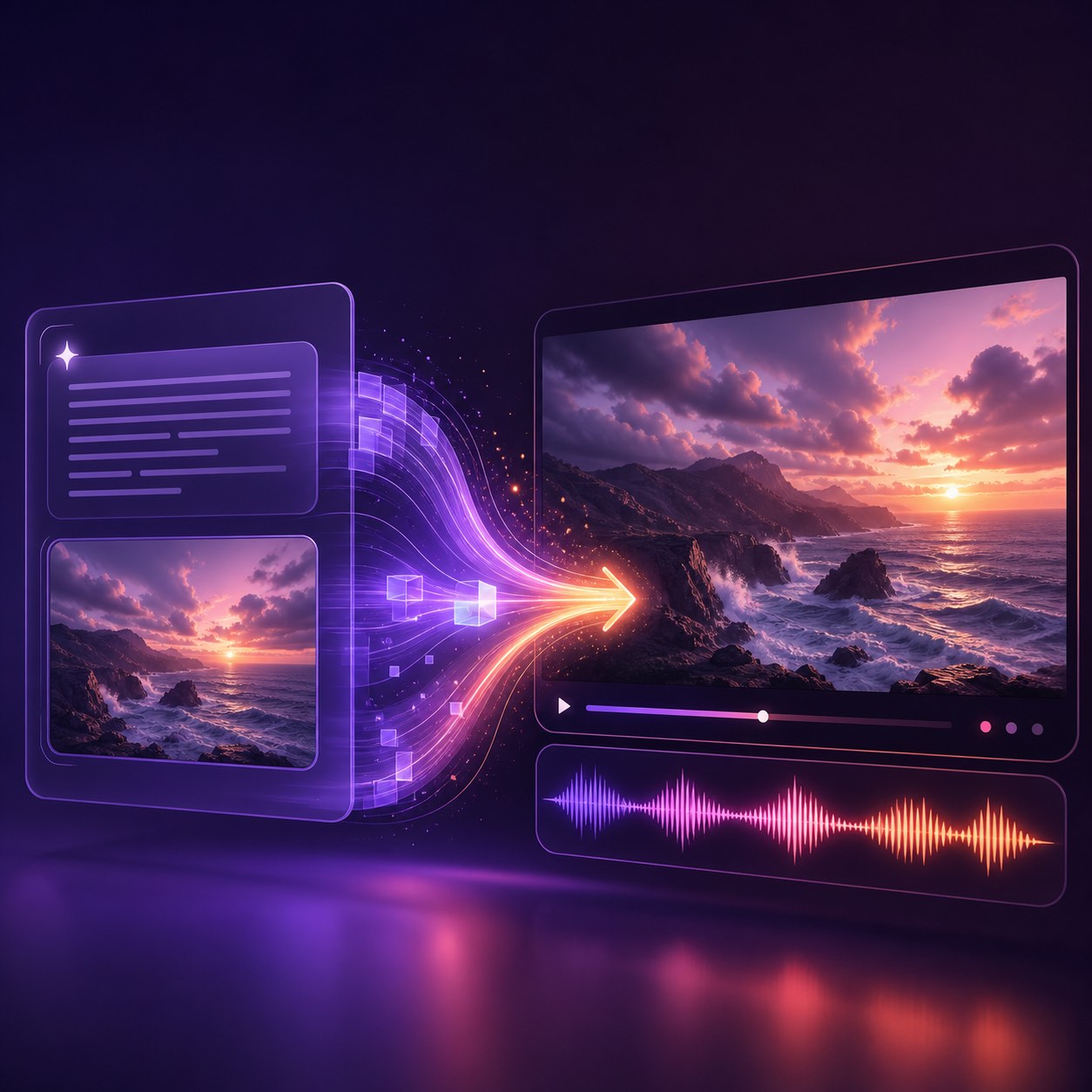
Give every shot lifelike movement, dynamic pacing, and smooth camera flow.
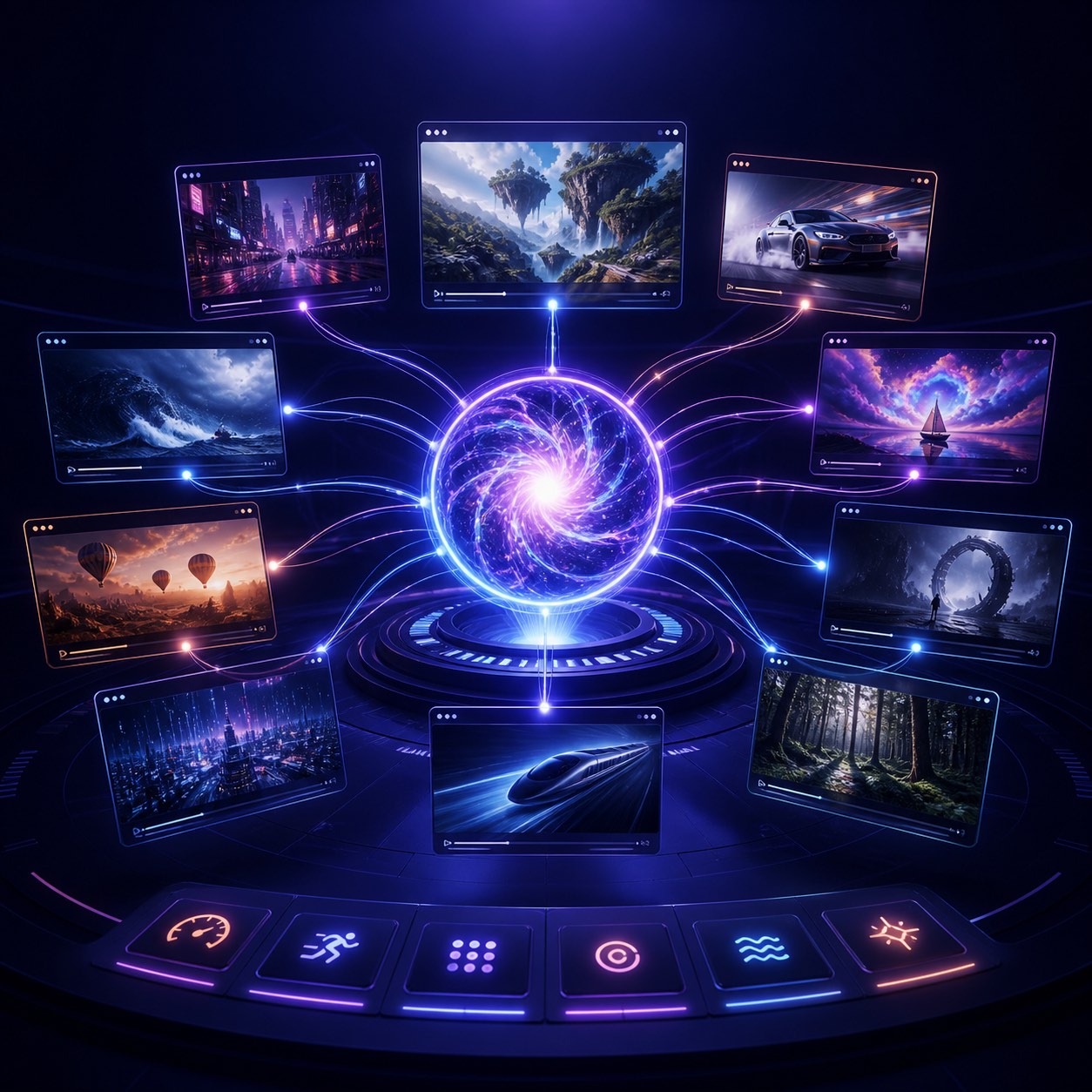
Keep identity stable across connected shots and campaign variants.
Lock composition, style, and brand cues before you animate or scale.
Pair motion with dialogue, voice, and sound that pull viewers in.
Stay on brand across social, ads, and longer cinematic stories.
Name the job—then jump into the free tool, model guide, or tutorial that matches.
Compare the engines that power Pollo AI workflows—and pick the right one for the shot.
Chat-led end-to-end video agent for ads, stories and multi-scene projects, with specialized skills and context-preserving revisions.
Read model guide →02 · Pollo · Ads WorkspaceAdvertising workspace for turning product links, photos and scripts into performance-oriented video ads and commercial formats.
Read model guide →03 · Krea · Expressive ImageAn aesthetics-first image model for style references, moodboards, and distinctive source frames before video generation.
Read model guide →04 · Alibaba · Multi-input VideoA new video family spanning text-to-video, image-to-video, and reference-to-video workflows for flexible shot routing.
Read model guide →05 · ByteDance · Long-form VideoByteDance's newer model supports up to 30-second audio-video creation, flexible references, editing, and multi-round extension.
Read model guide →06 · Qwen · Image + EditA current generation-and-editing family for precise layouts, product scenes, typography tests, and video-ready source frames.
Read model guide →Bring the idea. Get the finished work. Use text-to-video for original scenes, image-to-video to animate a visual direction, and reference workflows when character or product consistency matters.
Keep characters, products, and style coherent from first frame to final cut.
Pair motion with lines and pacing that keep viewers watching.
Structure scenes so the hook, middle, and payoff feel intentional.
Use voice, SFX, and ambience to make every clip feel finished.
Whether you post daily or deliver client campaigns, start with the workflow that fits your pace.
Ideas become watchable in minutes, in your style, on your schedule.
Iterate ad creatives across models in one workspace guide.
Turn stills into motion while keeping brand details intact.
Route shots by motion, consistency, and review cost.
Pollo AI is an AI creative suite for creators and marketers—specialized studios, leading models, and agent-style workflows that take ideas toward publish-ready output. This site is an independent guide around those workflows.
On the official product, Pollo Agent turns briefs, URLs, scripts, images, and references into publish-ready creatives. Confirm current Agent capabilities on pollo.ai.
Social videos, UGC-style ads, product showcases, AI images, e-commerce visuals, and multi-model experiments. Use our free generators for quick tests, then verify production features on the official site.
Image-to-video is often the most controllable starting point because the source image establishes composition and style before motion is added.
Yes—official Pollo AI is free to start, with paid plans for more credits and advanced options. This independent site also offers free browser generators for quick experiments.
No. This is an independent creative guide and free-generator launchpad. Confirm pricing, credits, and product details on the official Pollo AI site before paid production.
FEATURES & WORKFLOWS
Start with the brand feature or output you need—Pollo Agent, Marketing Studio, Clone Video Ads, an image, a moving scene or a consistent sequence—then open the guide that explains inputs, controls, costs and quality checks.
Independent 2026 verdict distilled from cited reviews—praise, criticism, credits reality and fit.
Open the relevant guide →Brand-keyword guide covering inputs, controls, evaluation criteria, and official-source checks.
Open the relevant guide →A source-linked definition of Pollo AI as a creative suite with studios, models and Pollo Agent—useful for first-touch brand searches.
Open the relevant guide →Understand chat-led, multi-step video production, specialized skills and how Agent differs from a single-prompt generator.
Open the relevant guide →Map URL-to-video, UGC, clone-ad and performance formats before spending credits on campaign variations.
Open the relevant guide →Separate trial or promotional credits from permanent free access, then verify current allowances before starting a production.
Open the relevant guide →Compare browser and mobile workflows, account requirements and export checks before choosing where to create.
Open the relevant guide →Animate an approved keyframe by describing subject motion, camera behavior, timing and what should remain stable.
Open the relevant guide →Match text-to-video or image-to-video engines to shot length, motion control, audio and consistency needs.
Open the relevant guide →Transform an existing frame while preserving composition, identity and brand details through explicit constraints.
Open the relevant guide →Match a model to motion, consistency, speed and budget before spending credits on production renders.
Open the relevant guide →Deep dive on Agent skills, Marketing Studio overlap, evaluation scorecards and FAQ for AI video agent comparisons.
Open the relevant guide →Remix reference ad structure while locking brand claims, product geometry and rights checks.
Open the relevant guide →September 2026 long-form guide to clone workflows, scorecards and brand-keyword FAQ.
Open the relevant guide →Compare the multi-model workspace by shot type, control needs, retry cost and the quality of finished exports.
Open the relevant guide →Long-form 2026-09-17 coverage with prompts, scorecards, and publishing checks.
Open the relevant guide →POPULAR QUESTIONS
Worth trying for multi-model short video/image drafts; subscribe only after credit math; verify cancellation/billing.
Read the supporting page →This independent guide maps the Pollo AI video generator workflow. Confirm current features, access, and terms on the official Pollo AI site.
Read the supporting page →Pollo AI is marketed as an AI creative suite for creators and marketers, combining studios, generation models and Pollo Agent. Confirm current modules on the official site.
Read the supporting page →Pollo Agent is Pollo AI’s chat-based video agent for turning briefs, links and references into multi-step, publish-oriented videos. It differs from a one-prompt clip generator.
Read the supporting page →Marketing Studio is the advertising workspace for URL, photo, script, UGC and clone-ad workflows. Verify live formats and credits on the official Marketing Studio page.
Read the supporting page →Pollo AI may offer limited credits or promotional access, but limits can change. Check the official pricing screen before relying on it for a full project.
Read the supporting page →The official product includes image-to-video workflows. Start with a clean reference frame and specify only the motion and camera changes you want.
Read the supporting page →App availability can vary by device and region. Compare the official app listing with the browser workflow and verify the publisher before installing.
Read the supporting page →Clone Video Ads is a Pollo Agent / Marketing Studio skill path for analyzing reference ad structure and producing adapted variations. Confirm live skills on the official site.
Read the supporting page →Product access, model availability and plan limits can change. Confirm current details on the official Pollo AI website before starting a paid project. Brand names belong to their respective owners. This site is an independent guide and is not affiliated with Pollo AI.
POLLO AI MODEL LIBRARY · AUGUST 2026
Compare AI image, AI video and image-to-video models by motion, consistency, sound, speed and the controls that affect production.
Cinematic text-to-video, image-to-video and video editing with native synchronized audio.
Open model guide →MiniMax · AI video generatorOpen-weights audiovisual generation with text, first/last frames and multimodal references.
Open model guide →Alibaba · AI video generatorLonger multimodal video generation with flexible duration, references, audio and continuity controls.
Open model guide →Black Forest Labs · Multimodal generatorEarly-access multimodal model direction spanning video, image, synchronized audio and action prediction.
Open model guide →Krea · AI image generatorAesthetic image foundation model designed for expressive generation and creative control.
Open model guide →Alibaba Qwen · AI image generatorCurrent Qwen image family for prompt-led generation, editing and visually precise iteration.
Open model guide →ByteDance Seed · AI image generatorByteDance Seed's July 2026 image model for stronger image-text alignment, structural coherence, text rendering, visual aesthetics, and complex information visualization.
Open model guide →ByteDance · AI image generatorProduction image generation and editing model for detailed prompts and controlled visual revisions.
Open model guide →ByteDance · AI image generatorEarlier Seedream image model useful for comparing prompt interpretation, style and editing progress across releases.
Open model guide →OpenAI · AI image generatorNatural-language image generation and multi-reference editing for precise creative revision.
Open model guide →Google · AI image generatorFast Gemini image generation and editing with high-resolution output and localization features.
Open model guide →Google · AI image generatorHigher-detail Gemini image route focused on 4K-capable generation and editing.
Open model guide →THE CREATIVE NOTEBOOK
Explore a focused tutorial, a practical prompt guide and a real-world planning exercise. Each guide includes an original brief and a checklist for reviewing your result.

NEW CREATIVE GUIDE
A floating island travel postcard: explore two original concept images, prompts and a practical production brief.
Explore the Pollo AI creative guide →
NEW IN THE JOURNAL
Build a Pollo AI workflow from a clear image brief to an approved video, with GPT AI image generator prompt examples, visual checks and reusable assets.
Read the complete guide →Pollo AI · CREATIVE WORKFLOW
A useful Pollo AI production starts with an approved image brief. Define the subject, composition, material and lighting, then inspect the generated still before asking for motion. For a product shot, shape and contact shadows matter; for a fantasy landscape, architecture and visual depth may be the main anchors.
The prompt library includes two original generated examples with the exact submitted text: a cobalt ceramic teapot and a greenhouse above the clouds. Use them to study how a GPT AI image generator prompt organizes a scene, then write a separate motion brief that explains what changes and what remains stable.
Open the prompt library to see original generated examples, their full submitted prompts, descriptive image text and practical review notes.
Describe one principal action, the camera behavior and the ending state. Preserve the approved subject and composition while testing the motion.